Intelligent automation tools are platforms that connect the apps you already use and let an AI model make decisions inside those connections. Instead of dragging data from a form into a spreadsheet by hand, you describe a trigger and a result. The tool handles everything in between. A new inquiry can be scored, enriched with company data, written into your CRM, and answered by email before you finish your coffee. That shift matters most for one-person businesses and small teams, because they rarely have anyone free to do repetitive admin work all day.
The market has moved fast. Gartner projected that 70% of new applications built by organizations would use low-code or no-code technologies by 2025, which tells you how normal visual building has become. McKinsey has estimated that about half of the activities people are paid to perform could be automated with existing technology. You do not need to automate half of your work to win. Two hours a week back is roughly 100 hours a year, which is a real client project for most freelancers.
This guide covers what intelligent automation actually means, how the major platforms differ, what to automate first, and what these tools cost in 2026. It also covers the mistakes that make beginners abandon automation after two weeks. Everything here applies whether you bill by the hour, run a small agency, or sell products from a shop. The goal is simple: fewer manual steps, fewer dropped balls, and more time on work that pays.
If you have already tried a basic automation tool and found it limiting, the AI layer is what changes the math. Classification, extraction, and drafting were the three jobs that always needed a human. Now they are nodes you drag onto a canvas.
| Tool | Best For | Pricing Model | Self-Hosting | Learning Curve |
|---|---|---|---|---|
| Zapier | Beginners who need fast results | Per task | No | Low |
| Make | Visual builders watching cost per run | Per operation | No | Moderate |
| n8n | Privacy, high volume, custom APIs | Per execution or free self-hosted | Yes | Moderate to high |
| OpenAI API | The AI layer inside any workflow | Per token | Not applicable | Low |
What Are Intelligent Automation Tools, Really?
Classic automation follows one rule. When X happens, do Y. That model still runs most workflows in production today, and it works well for predictable data. Intelligent automation adds a thinking step between the trigger and the action.
The thinking step is where large language models earn their keep. A model can read a messy email and decide whether it is a sales inquiry or a support request. It can pull a total, a due date, and a supplier name out of an invoice PDF. It can draft a first reply that sounds like you. Basic if-this-then-that logic cannot do any of that, because the input varies every single time.
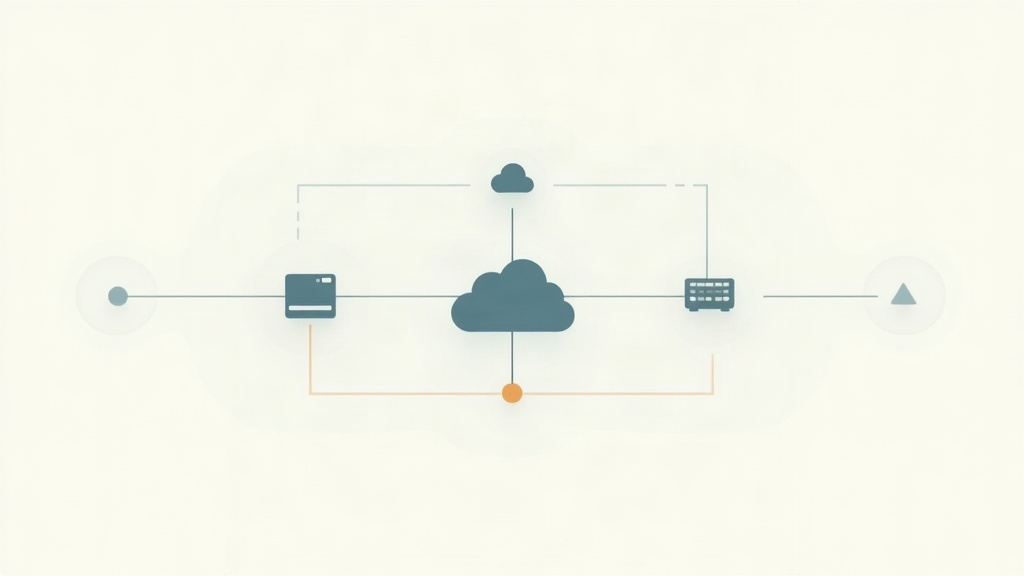
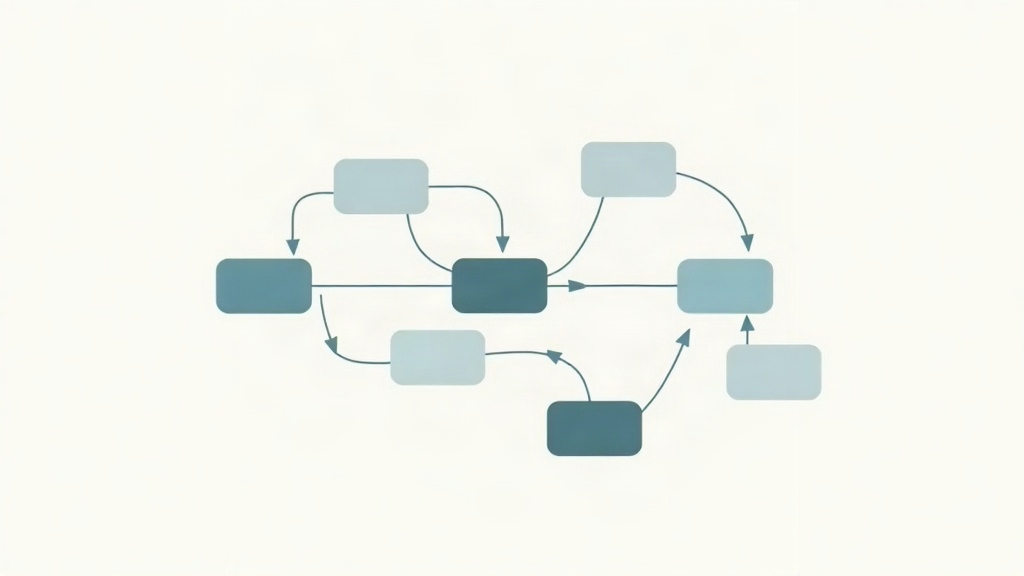
Think of it as three layers stacked together. The connector layer moves data between apps. The logic layer decides what happens next, including branching, delays, and retries. The AI layer handles anything that needs judgment, language, or pattern matching. Tools that only do the first two layers are automation platforms. Tools that do all three are intelligent automation platforms.
That third layer is why small teams care so much right now. A freelancer with no engineering budget can route, sort, and answer incoming messages automatically. You can see the pattern in our walkthrough of invoice processing automation, where a model reads supplier invoices and pushes clean fields into accounting software. The same shape of workflow powers AI customer support, except the output is a drafted reply instead of a ledger row.
The key point is that AI is never the whole workflow. It sits inside a workflow, surrounded by triggers, filters, and destinations. Treat the model as one competent but literal teammate, and the rest of the build becomes much easier to reason about.
- Connector layer: authentication, triggers, and app-to-app data transfer
- Logic layer: filters, branches, loops, delays, and retry rules
- AI layer: classification, extraction, summarization, translation, and drafting
- Storage layer: sheets, databases, and CRM fields that hold the result
How Do AI-Powered Workflow Builders Actually Work?
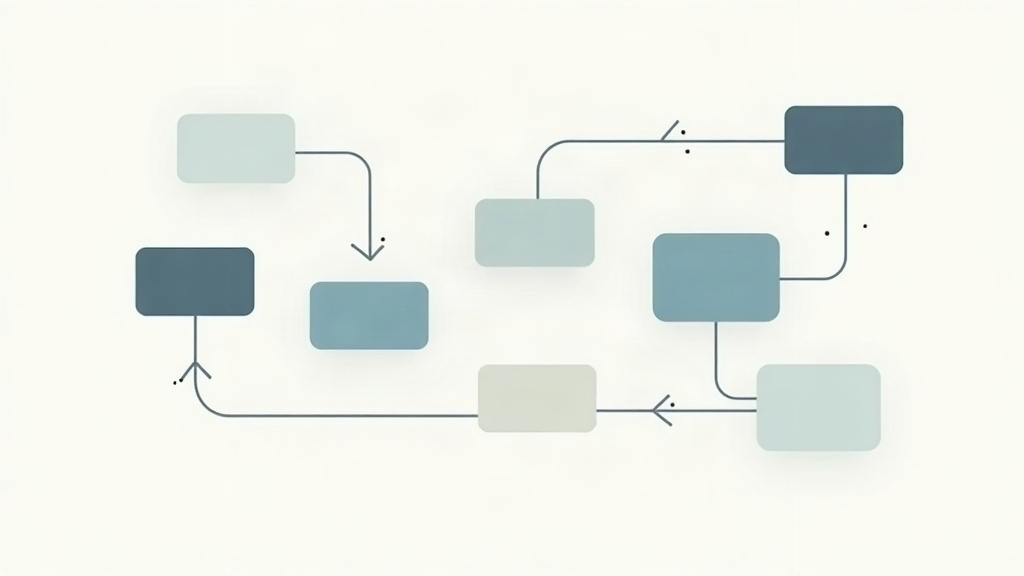
Every workflow follows the same skeleton. A trigger starts the run, one or more action steps process the data, and a final step stores or sends the result. The trigger might be a new form submission, a new row in a spreadsheet, an incoming email, or a scheduled check every fifteen minutes.
The AI node is where things get interesting. In most builders you choose a model, write a prompt, and map fields from earlier steps into that prompt. Say an email arrives. You map the subject and body into a classification prompt that returns one of four labels. A router then sends the run down the matching path. Sales inquiries go to the CRM. Support requests get a drafted reply. Invoices go to finance. Everything else gets tagged and archived.
The part beginners skip is error handling. Models occasionally return malformed output, hit rate limits, or take longer than expected. Good builders let you add retry logic, fallback paths, and notifications when a run fails. Without that, a broken step means a client email sits in limbo and nobody notices.
Testing matters more than building. Real data is messy in ways you cannot predict. Someone writes their phone number in the subject line. A PDF is scanned sideways. A name contains an apostrophe that breaks a field mapping. Run your workflow against twenty real examples before you switch it on, not three tidy ones you wrote yourself.
If you want a hands-on starting point, building your first n8n workflow walks through a trigger, an AI step, and a destination in one sitting. The same concepts transfer directly to Make and Zapier, since all three follow the trigger-action-model pattern described in the n8n documentation and in Zapier’s own help guides. The platform changes. The mental model does not.
Which Intelligent Automation Tool Should You Pick?
Three platforms cover almost every freelancer and small business need. Zapier has the widest app directory and the gentlest learning curve. Make offers a visual canvas with better pricing at volume. n8n targets people who want control, self-hosting, and no per-task billing.
Zapier is the one to choose when you need results today. Setup takes minutes and the interface explains itself. You pay for that convenience with task-based pricing, which gets expensive once a workflow runs thousands of times a month. You can review the full plan breakdown in our Make.com review if you want a direct comparison of cost per operation.
Make suits anyone who thinks visually. Scenarios show the whole flow on a canvas, so debugging is faster, and branching does not cost extra runs the way it sometimes does elsewhere. The free tier is generous, which makes it a low-risk first platform. Official pricing and operation limits live on the Make site.
n8n is the pick for privacy-sensitive or high-volume work. You can run it on your own server for the price of a small VPS, keep client data inside your infrastructure, and connect to internal databases that cloud tools cannot reach. Our n8n review covers when self-hosting is worth the setup time and when it is not.
One honest warning. The platform decision matters far less than people think. A well-designed workflow in the wrong tool beats a badly designed workflow in the perfect one. Pick the tool you will actually finish building in, then revisit the choice after six months of real usage.
- Zapier: fastest setup, largest app library, higher cost per task at scale
- Make: visual canvas, strong value per operation, steeper first hour
- n8n: self-hosting option, no per-task fees, best for sensitive data
- OpenAI API: the model layer that plugs into any of the three
What Should a Freelancer or Small Business Automate First?

Start with the task you dread, not the task that sounds impressive. Boring repeat work with a clear trigger and a clear outcome is ideal, because you can measure the time saved within a week.
Lead capture is usually the strongest first project. A form submission triggers enrichment, scoring, and a CRM entry, then a personalized first reply goes out within minutes. Response speed wins deals, and a workflow never sleeps through a Saturday inquiry. Our guide to automating lead generation maps out the full sequence from form to booked call.
Follow-up email is the second easiest win. Most small businesses lose deals simply by forgetting to follow up on day four or day nine. A scheduled workflow checks for silence and sends the next message in the sequence automatically. The email follow-up template gives you the exact structure, including how to stop the sequence the moment someone replies.
Invoice and document handling is the third. Reading PDFs, pulling totals, matching them to clients, and chasing overdue payments all follow rules that an AI model can apply reliably. That is usually the workflow with the fastest payback for anyone billing by the hour.
Support triage is the fourth, and it works even for a solo operator. A model classifies the incoming message and either answers it from your knowledge base or escalates it with a summary attached. You spend your time on the twenty percent of messages that need a human.
Do not automate everything at once. Each workflow needs a week of watching before you trust it with a client relationship.
- New inquiry to enriched CRM record with an automatic first reply
- Day four and day nine follow-up emails that stop on reply
- Invoice PDF to structured data with a payment reminder schedule
- Support inbox triage with drafted answers and human escalation
- Social posts published to five networks from one content row
What Do Intelligent Automation Tools Cost in 2026?
You are paying for two things, and beginners often forget the second one. The first is the automation platform, billed monthly by tasks, operations, or executions. The second is the AI model itself, billed per token through an API.
Platform pricing varies by how the vendor counts work. Zapier meters tasks, so a five-step workflow that runs 200 times uses 1,000 tasks. Make meters operations in a similar way. n8n meters workflow executions on the cloud plans, and self-hosted n8n has no per-run cost at all, just your server bill. A small VPS can run n8n comfortably for about the price of a sandwich, which is why high-volume users migrate there.
The AI side is usually cheaper than people expect. Short prompts with small outputs cost fractions of a cent per run. A workflow handling 500 invoices a month typically costs a few dollars in model usage. Costs climb when you feed long documents or entire email threads into the model, or when you use the most expensive frontier models for simple classification tasks.
There are hidden costs worth planning for. Failed runs still consume operations. Retries double your model spend. Poorly written prompts that return extra text you never use inflate token counts. Logging every run into a database adds a small storage bill.
Check current prices before you commit, since every vendor on this list has changed its tiers within the last year. The official plan pages on the Zapier site and the OpenAI platform are the only sources you should trust for exact numbers. Roughly speaking, a solo freelancer can run a serious automation stack for the cost of one client lunch per month.
Where Do Most Beginners Get Stuck?
The tools are not the hard part anymore. The failure modes are almost always structural, and they repeat across every platform.
Overbuilding is the first one. People map out a twelve-step workflow before testing step two. Then something breaks in the middle and they cannot tell which of the eleven remaining steps caused it. Build two steps, run them, confirm the output, then add the third.
Silent failure is the second. A workflow that errors without notification is worse than no workflow, because you stop paying attention. Add an error branch that sends you a message when a run fails. Keep a simple log sheet with a timestamp, the input, and the model output so you can audit decisions later.
Vague prompts are the third. Asking a model to summarize an email gives you something different every time. Asking it to return a single label from a fixed list of four, with no explanation, gives you something you can route on. Constrain output as tightly as the task allows.
Ignoring limits is the fourth. Free tiers cap tasks, API keys hit rate limits, and some apps throttle calls during peak hours. Read the limits before you promise a client same-minute delivery.
Finally, there is the maintenance problem. Apps change their APIs. A field gets renamed. A workflow that ran for six months quietly starts failing. Schedule a monthly fifteen-minute review of your active workflows, check the failure logs, and re-run one test case. That habit alone keeps most automation programs alive.
- Build and test in two-step increments instead of full-scale first
- Route every failure to a notification you will actually see
- Force structured output from models with fixed labels or JSON
- Log inputs and outputs for audit and debugging
- Review active workflows once a month and re-test one case
Frequently Asked Questions
What makes an automation tool intelligent?
The tool adds an AI model step inside the workflow, not just a trigger and an action. That model can classify text, extract fields from documents, summarize threads, or draft replies. Basic automation moves data; intelligent automation makes small decisions about that data.
Do I need to know how to code to use these tools?
No. Zapier, Make, and n8n all offer visual builders where you drag steps onto a canvas. Code becomes useful only when you want custom logic or API calls beyond what the built-in nodes cover. Most freelancers never touch it.
Which is better for a freelancer, Zapier, Make, or n8n?
Zapier wins on speed and app coverage, so it suits beginners who want results today. Make costs less per operation and handles branching well. n8n makes sense if you want to self-host, keep client data on your own server, or run high volumes without per-task fees.
How much does intelligent automation cost for a one-person business?
Expect roughly 10 to 50 dollars a month for the automation platform, plus AI usage fees that often stay under 10 dollars for light workloads. Self-hosting n8n on a small VPS can cut the platform cost to about 5 dollars a month. Prices change, so check current pages before you commit.
Is it safe to send client data through AI automation tools?
It depends on the vendor and your client agreements. Paid API tiers usually exclude your data from model training, while free consumer chat interfaces often do not. Read the data processing terms, redact anything sensitive, and tell clients what tools you use.
How long does it take to build a first AI workflow?
A simple two-step workflow takes about 20 minutes to an hour. A workflow with AI classification, error handling, and logging usually takes a weekend. Start with one narrow task and expand once it has run cleanly for a week.
What Should You Remember?
- Intelligent automation adds an AI decision step inside a normal workflow, so the tool can read and judge content, not just move it.
- Pick by volume and privacy, not by hype. Zapier for speed, Make for cost control, n8n for self-hosting and high task counts.
- Automate one painful task first, such as invoice data entry or lead follow-up, before you build a giant multi-step system.
- Budget for AI tokens separately from your subscription, since model calls are billed outside the automation platform.
- Always add error handling and logging so a failed AI call does not silently drop a client email or invoice.
- Test with real messy data, not clean samples, because AI steps break on odd formats far more often than on volume.
This article is for general information only. Review your workflow data and the permissions you grant to connected tools before you enable automation. Some platforms have free-tier limits and paid plans that change over time , always check current pricing and plan limits on the vendor’s site before you commit.